Tutorials
A 7-part walkthrough — about 6 minutes total. Start at the top and follow the path.
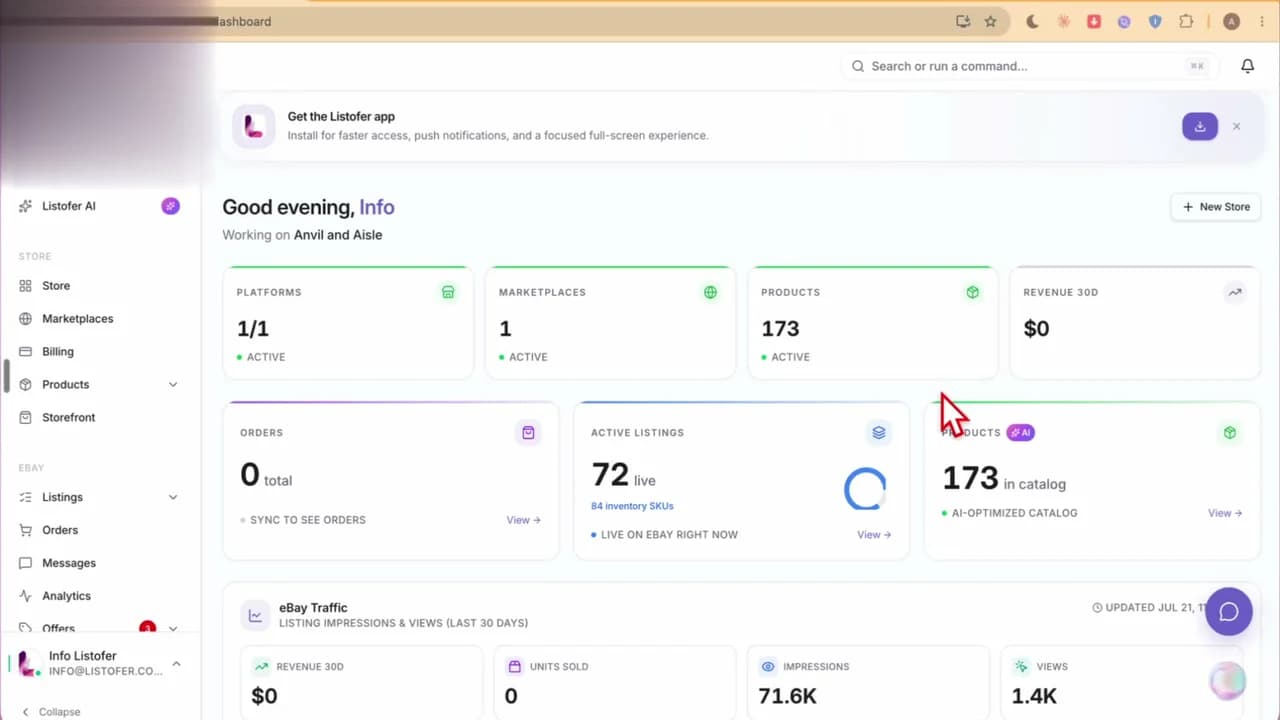 Step 12 min
Get oriented on day one — see revenue, traffic, orders, messages, offers, and product research from one overview after you connect eBay.
Watch now →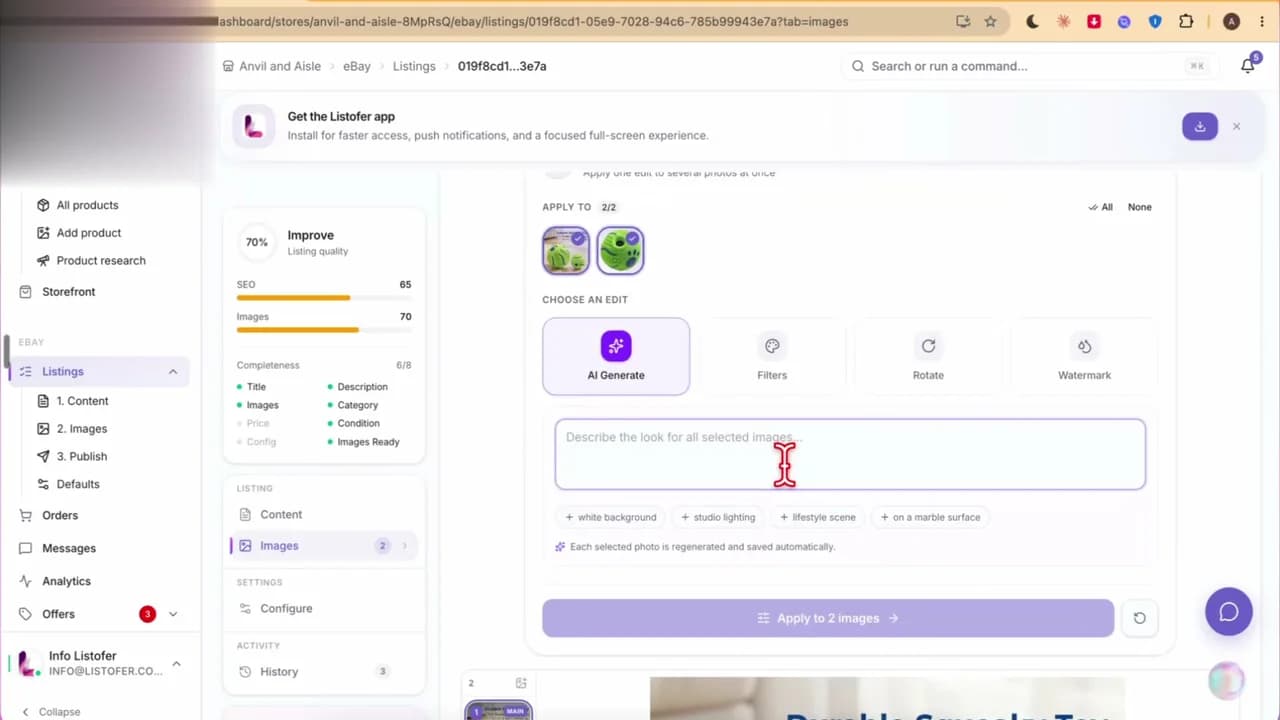 2
2Turn product photos into a complete eBay listing — title, item specifics, description, AI image edits — then publish one item or a whole batch.
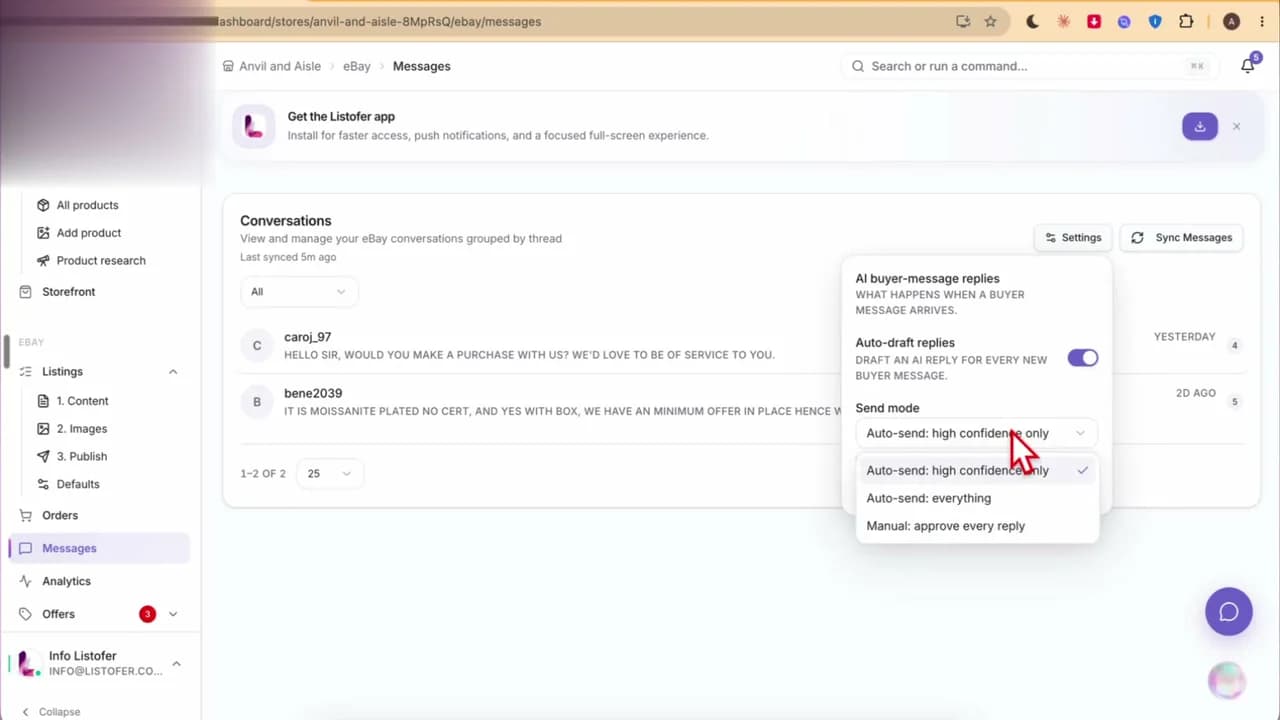 3
3Choose how aggressive AI should be with buyer replies — from drafting everything for your approval to auto-sending high-confidence answers.
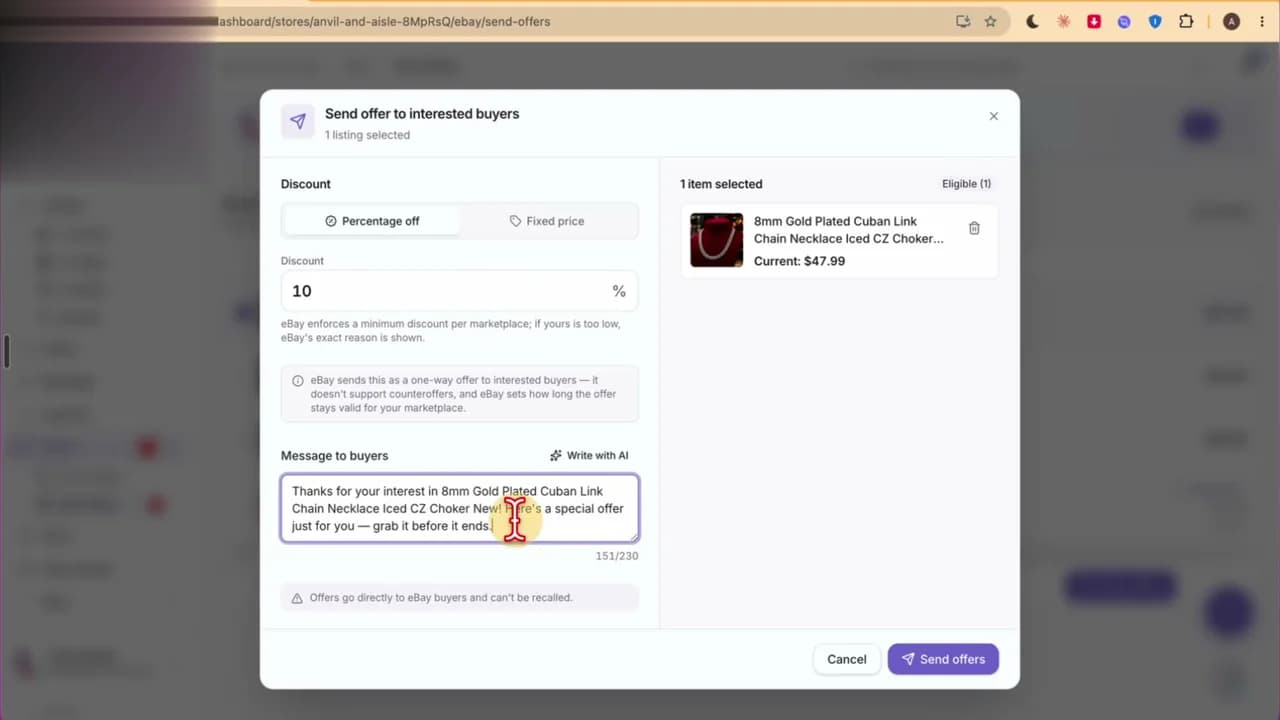 4
4See offers Listofer already prepared, rewrite the message with AI, pick a percent or fixed discount, and send without leaving the sales hub.
 5
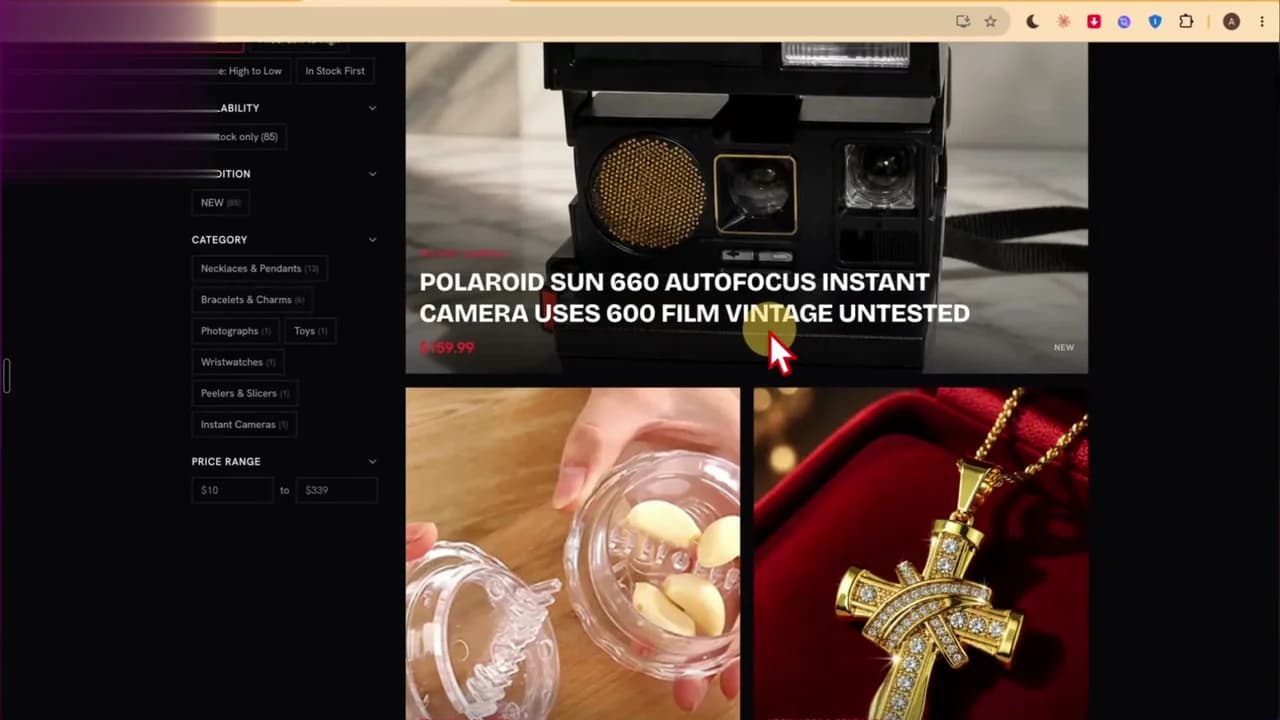
5Launch a subdomain storefront with themes, sliders, and categories — perfect for ads and sharing a polished shop that still checks out on eBay.
 6
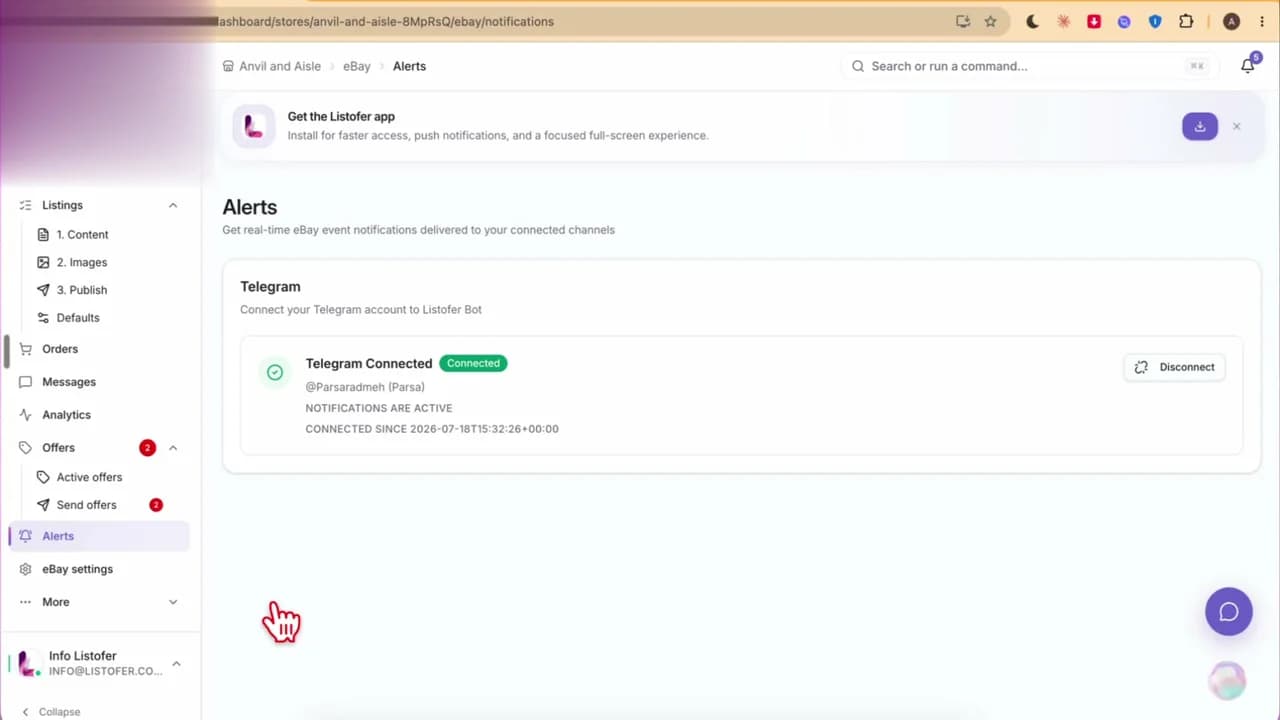
6Connect Telegram so Listofer can ping you about orders, offers, and listings — especially useful when you’re not parked in the dashboard.
 7
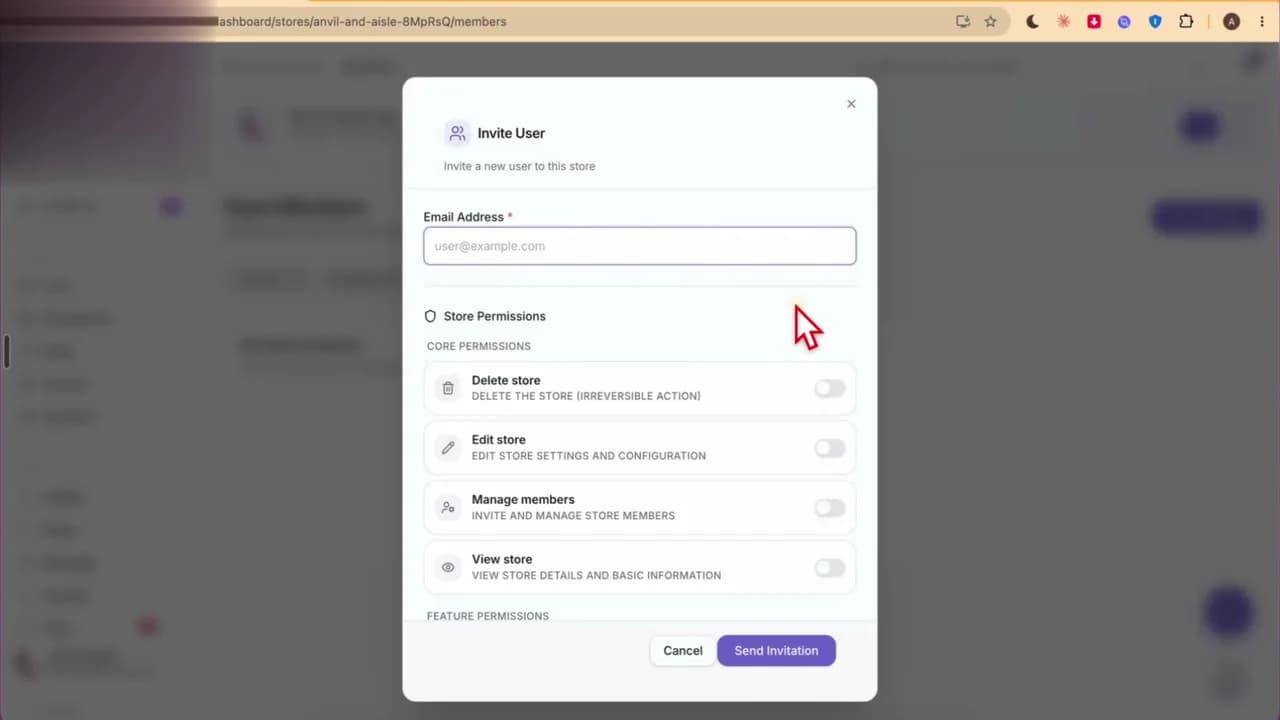
7Invite employees under Store → Members and grant only the permissions they need — from view-only to editing and managing the store.
Connect your store and follow along in the product — free trial, no card required.
